 Connectio
Group video & audio
An adaptive grid that works on iPhone and iPad, with a clear indicator for who is speaking.
For iPhone & iPad
Create a private meeting, share one link, and talk face to face. Group video, chat and a clear list of who is in the call. No account needed.
Requires iOS 27 or later. Free to use, with optional Connectio Plus.
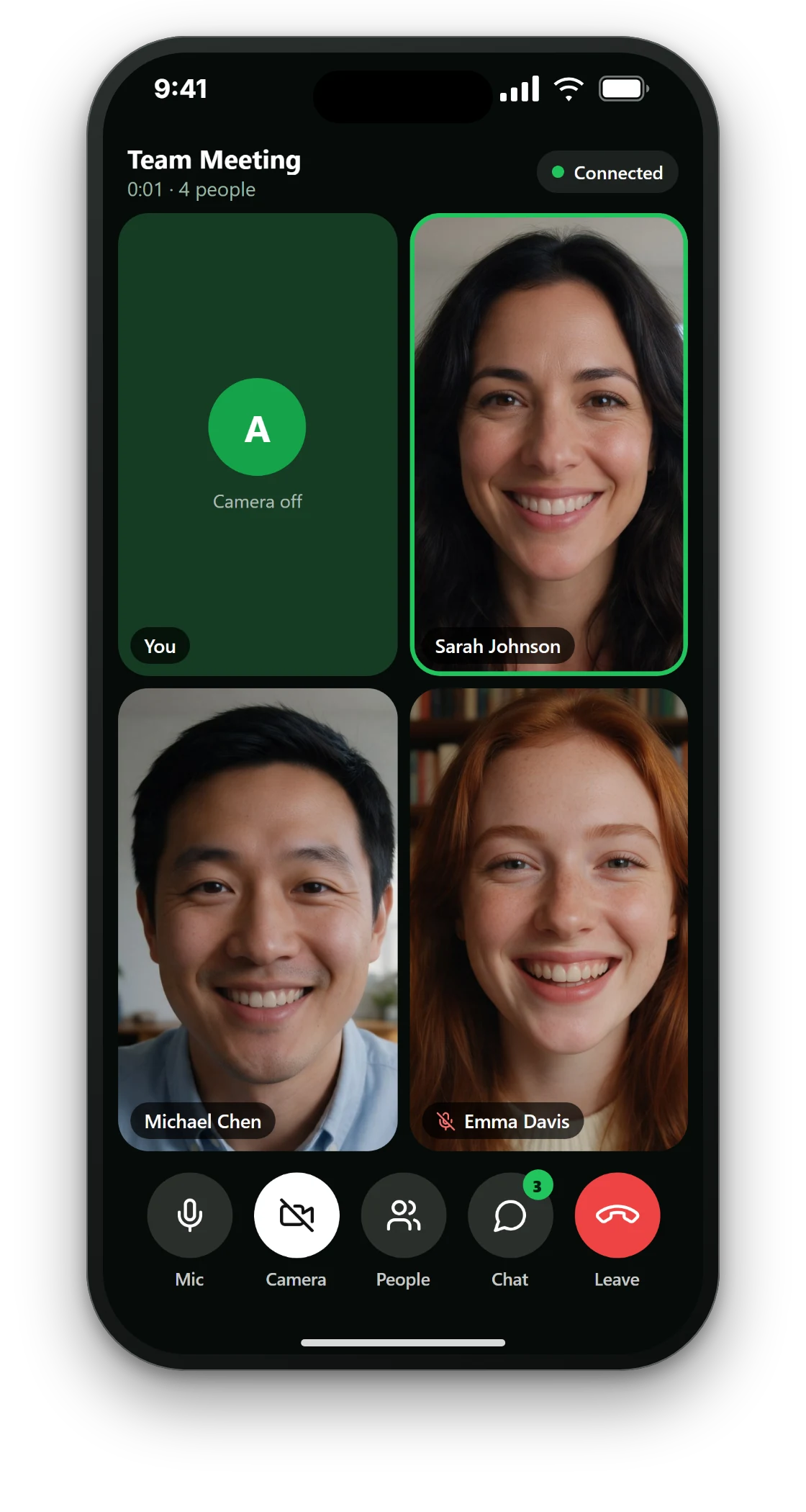 4 people
Chat · People · Leave
Connectio focuses on the essentials of a good call, so it stays fast and easy for everyone you invite.
An adaptive grid that works on iPhone and iPad, with a clear indicator for who is speaking.
Share a link or a short code. Guests join in seconds, with no account and nothing to set up.
Message the group while you talk, see who is in the meeting, and who has their mic or camera on.
Hard-to-guess links, encrypted connections, no ads and no tracking. Camera and mic are only used while you are in a meeting.
Tap New meeting, give it a name, and you have a private link and code.
Copy the link or use the share sheet to send it by message, mail, or any app you like.
Check your camera and mic, then join. Mute, switch cameras, chat, and leave with one tap.
Screens from the app on iPhone.
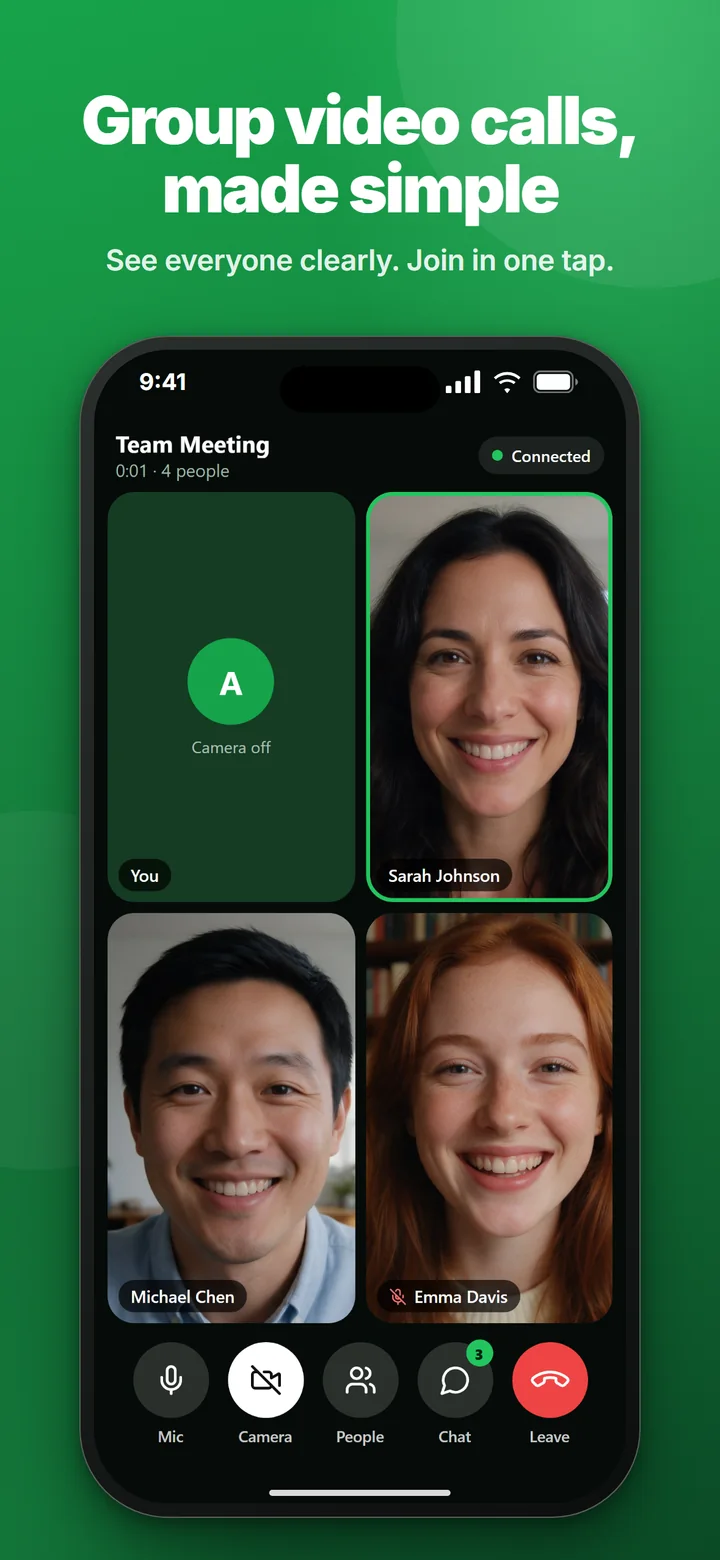
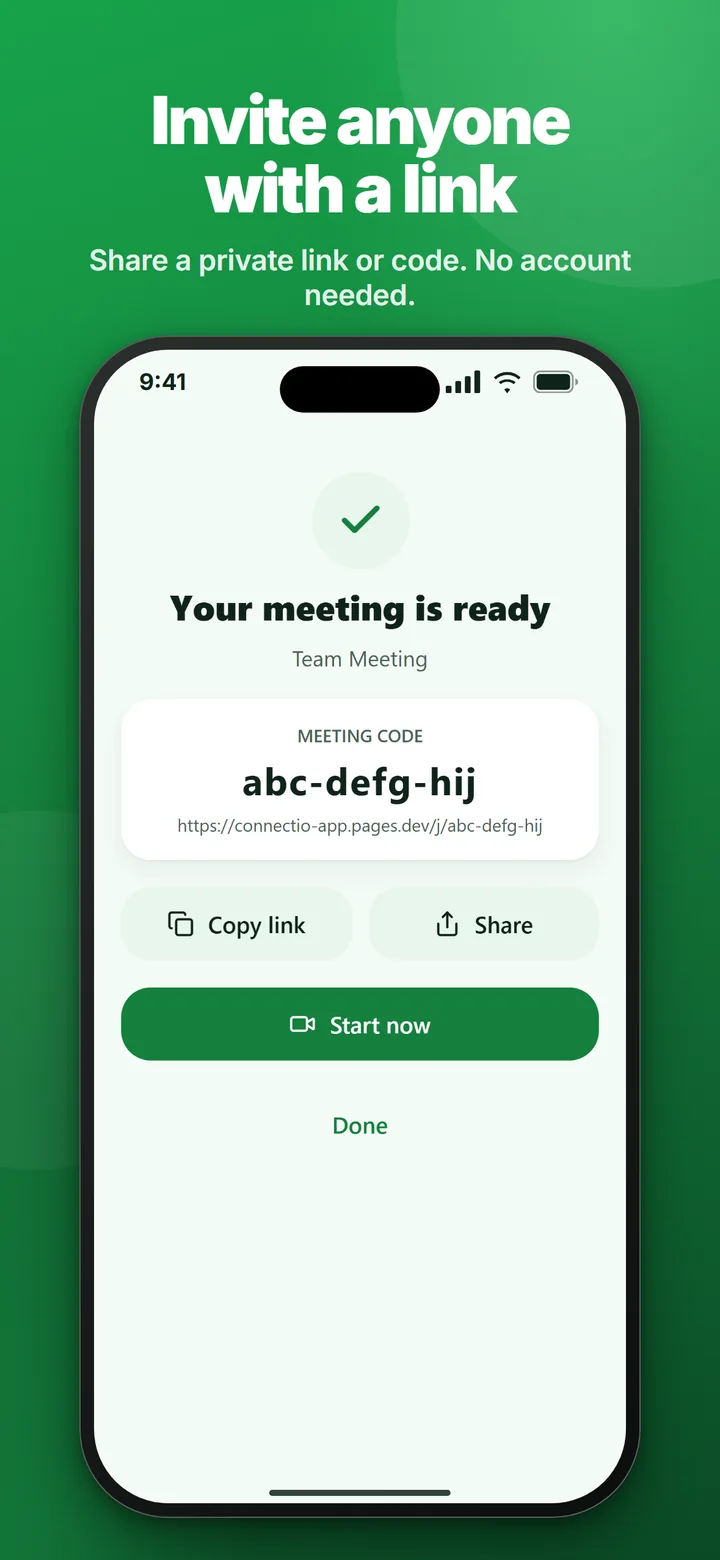
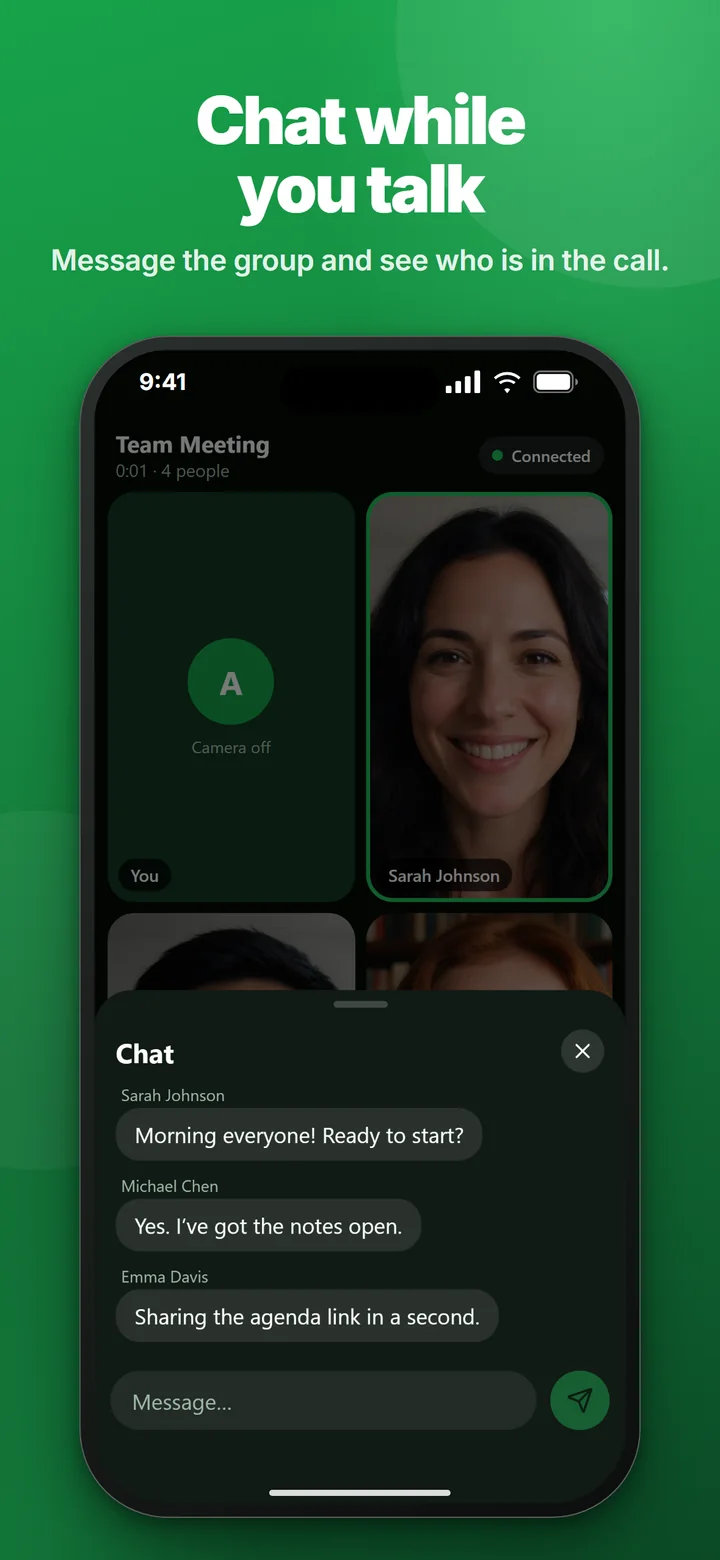
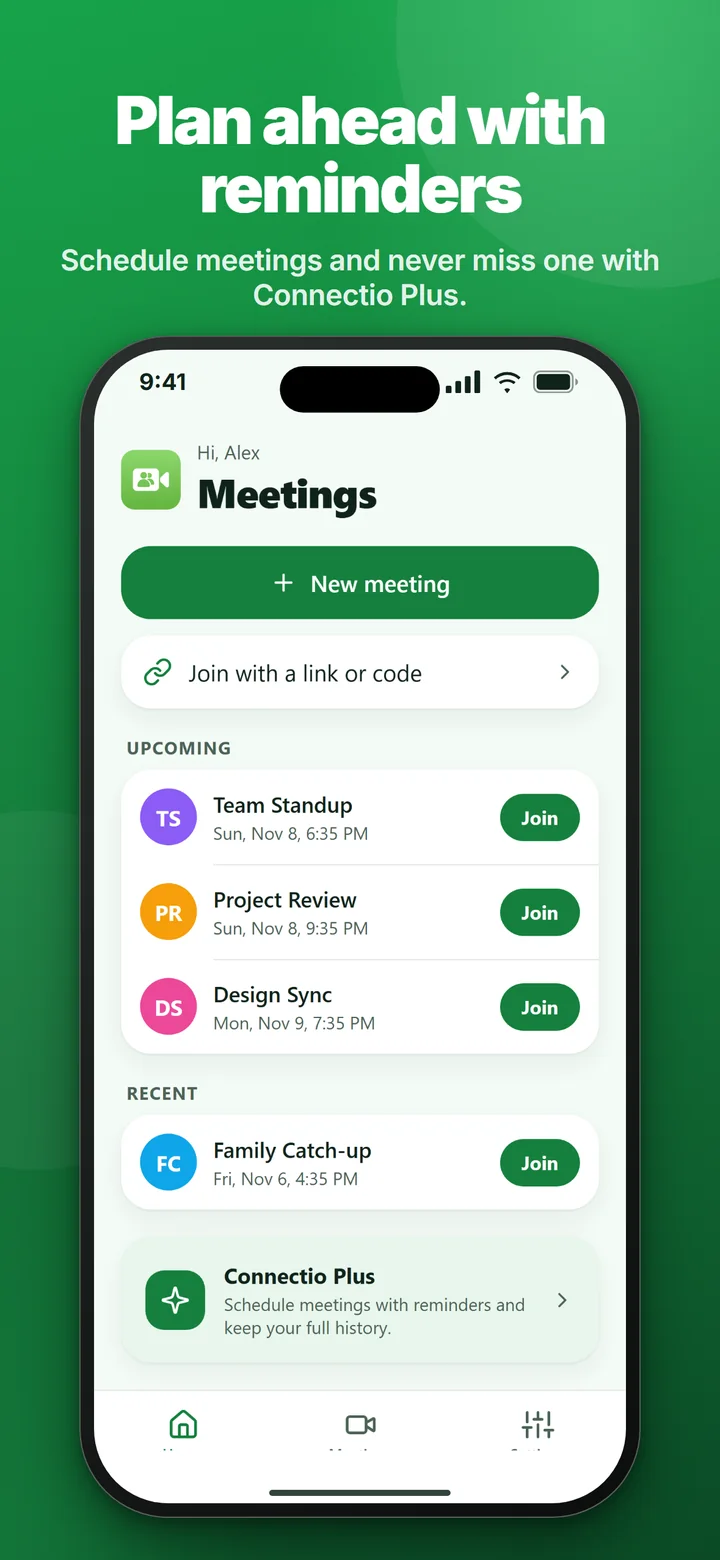
Screens use fictional sample people generated with AI.
Calls, chat and joining by link are free. Connectio Plus adds the extras for people who meet often.
Auto-renewing subscription, billed monthly or yearly through your Apple Account. Prices are shown in the app and may vary by country. Cancel any time in your Apple Account settings.
No. Enter a name, create or join a meeting, and you are in. Connectio doesn’t ask for an email address or password.
Meetings use long, hard-to-guess links and encrypted connections. We don’t record calls, sell data, show ads or track you across apps. Read the details in the Privacy Policy.
An iPhone or iPad running iOS 27 or later. Guests need the app too, since calls happen inside Connectio.
Open Settings on your iPhone, tap your name, then Subscriptions, and choose Connectio Plus. You can also use Manage subscription inside the app. Your access continues until the end of the period you paid for.
In a call, open People and tap the flag next to a name to report or block that person’s messages. You can also contact us.
Connectio is coming to the App Store. Questions or feedback in the meantime? We would love to hear from you.